



Waterfall Project Management in Sugester
Last week we wrote about the Agile methodology and the use of Projects and Scrum Sprints in Sugester for agile project management.
In today's article, we will show you how Projects in Sugester can be equally successfully used in the waterfall project management methodology, even though it is in many ways the opposite of Agile.
Projects in Sugester are flexible enough to work in both project management models in your company.
Let's start by briefly recapping what the waterfall method is.
The waterfall method
The waterfall methodology, also known as the waterfall model, is a traditional project management method. The project is divided into a series of steps that follow one another like a cascade. One stage must be completed before moving on to the next. Generally, the sequence of phases in a waterfall project is: conception, analysis, design, build, testing, deployment, and maintenance.
The waterfall model is often used in construction, the medical industry, manufacturing, and anywhere that changes during project execution are impossible or very difficult and costly to make.
The waterfall model assumes running a project:
- with a detailed plan,
- defining specific project stages that follow each other,
- scheduling each phase in time,
- no changes to the concept during the project.
Even though the waterfall methodology is more traditional and less flexible than agile methodologies, it still finds application in certain projects, particularly those characterized by well-defined requirements and low risk of change. As the field of project management has evolved, many hybrid approaches have emerged that combine elements of both methods.
Advantages of the waterfall methodology
The waterfall methodology, despite certain limitations, has its advantages that still make it applicable in many projects:
- structure and clarity — the waterfall methodology provides a clear structure and sequence of project stages, which makes it easier to manage the project and monitor progress,
- documentation — each project stage is documented, which helps in its monitoring, evaluation, and control,
- clearly defined goals and detailed specification,
- clients — often feel more confident with waterfall projects because they know what costs to expect,
- stability — a started project sticks to the established plan, providing stability and predictability,
- minimal risk of uncontrolled changes.
Disadvantages of the waterfall methodology
The waterfall methodology, despite its advantages, also has certain disadvantages that can be limiting for some projects.
- lack of flexibility — all requirements and plans are defined at the start of the project, which can lead to problems when the client changes their mind or new requirements emerge, or when issues/risks arise during work that were not considered during analysis
- assumption risk — if the initial project assumptions are incorrect or incomplete, the project may end in failure or delay.
- long waiting time — the product is delivered only after all project stages are completed,
- high cost of errors — if errors are detected in late stages of the project, fixing them can be costly and time-consuming.
- long delivery time — difficulties or delays in one stage can delay the entire project.
It is worth bearing in mind that the choice of method depends on the project's characteristics and requirements. In many cases, it is beneficial to use hybrid or flexible approaches that combine elements of both the waterfall and agile models to better meet the project's needs.
Supporting tools are very important in every management process.
If you decide to use the waterfall model for managing projects in your company, here is how to use Projects in Sugester for that purpose.
Define the project and set the timeline
This is the first basic step in managing a project in the waterfall model. Create a new project, define its goals and time frame.
New project. When adding a new project in Sugester, the system lets you immediately fill in additional important project elements such as the project category, the client (or clients) for whom the project is being created, who is responsible for the process, and which team is handling it.
Project goal. Before you start creating a schedule, you need to fully understand the project goals, the outcome you want to achieve, and the scope of work. To record the goal, you can use the Description field in the project.
Timeline. When creating a project in Sugester, you can immediately define its time frame by filling in the Project start and end date fields.
Documentation. Meticulous documentation is an important element in the waterfall method. Make sure your project is well-documented. Add any agreements, cost estimates, budget, and arrangements with the client as an attachment to the project.
Create the project structure and work stages
The next important step is creating the project structure and defining the work stages. Here you need to identify the key project stages and divide it into easy-to-manage and later-to-monitor phases.
Subprojects. In Sugester, you can divide a project into subprojects. Dividing a project into subprojects makes it easier to manage the process, focus on achieving specific goals, and improves progress monitoring.
You add each subproject within the parent project. Simply expand the arrow with "+" while in the project view and select "subproject".
And if you manage many projects in your company, often similar to each other, you don't have to waste time creating them from scratch. Simply use the + Add similar option. When copying, you can duplicate everything in a given project — tasks, TODO lists, and subprojects with their tasks and TODOs.

To mark key moments in the project, you can also use the "milestone" function. Milestones will be visible on the project's work schedule.
Project statuses. Managing project stages is the process of planning, monitoring, and controlling activities and resources within specific phases or stages of a project. Each project stage has defined goals, scope of work, deadlines, and results that must be achieved before the project can continue.
To allow the project to move smoothly from one stage to the next, you create project statuses in Sugester. These allow you to control the progress of work within the project. When the project moves to the next stage, you change the status to the next one on the list. Each project status has a Description field where you can record what is being done at that particular project stage. Additionally, you can assign colors to project statuses, which will help visually monitor the progress of work.

Create a task list, set deadlines, and assign to team members
When working in the waterfall model, the project structure must be ready from the very beginning. In addition to defining the main stages and key milestones of the project, you also need to create a task list, even for the smallest tasks that will appear at a given stage of project execution.
Tasks in the project. Prepare a list of all tasks that need to be completed within the project. Make sure the list is complete and covers all aspects of the project. Define dependencies between tasks — identify which tasks must be completed before others for the project to run smoothly. You add tasks using the +Task button in the project.
For recurring tasks or projects with a similar structure, you can use the task templates available in Sugester. A template can be easily customized to specific requirements, which speeds up the project preparation process. Using templates also helps avoid making the same mistakes when creating new tasks.
Task duration. Also define the duration of tasks and estimate how long it will take to complete a given task. Use your team's experience and knowledge to estimate the time needed. Each task in Sugester has a field for entering the estimated time.
Priorities. Finally, set priorities. Define the importance of tasks in the project by assigning each one an appropriate star color. This will help you understand which elements of the project are key and require more attention.

Assigning tasks. An important element in running a project is assigning responsibility. Define who is responsible for completing each task. This will allow for a clear division of duties in the team. Simply fill in the Assign to field for each task. You can assign tasks to one user or to a group.
Time and resource tracking
In Sugester, for each project we can define its completion. We can also estimate the time needed to complete a specific task in the project. Work time can be approximate and defined based on previous similar tasks or measured precisely using the time counter.
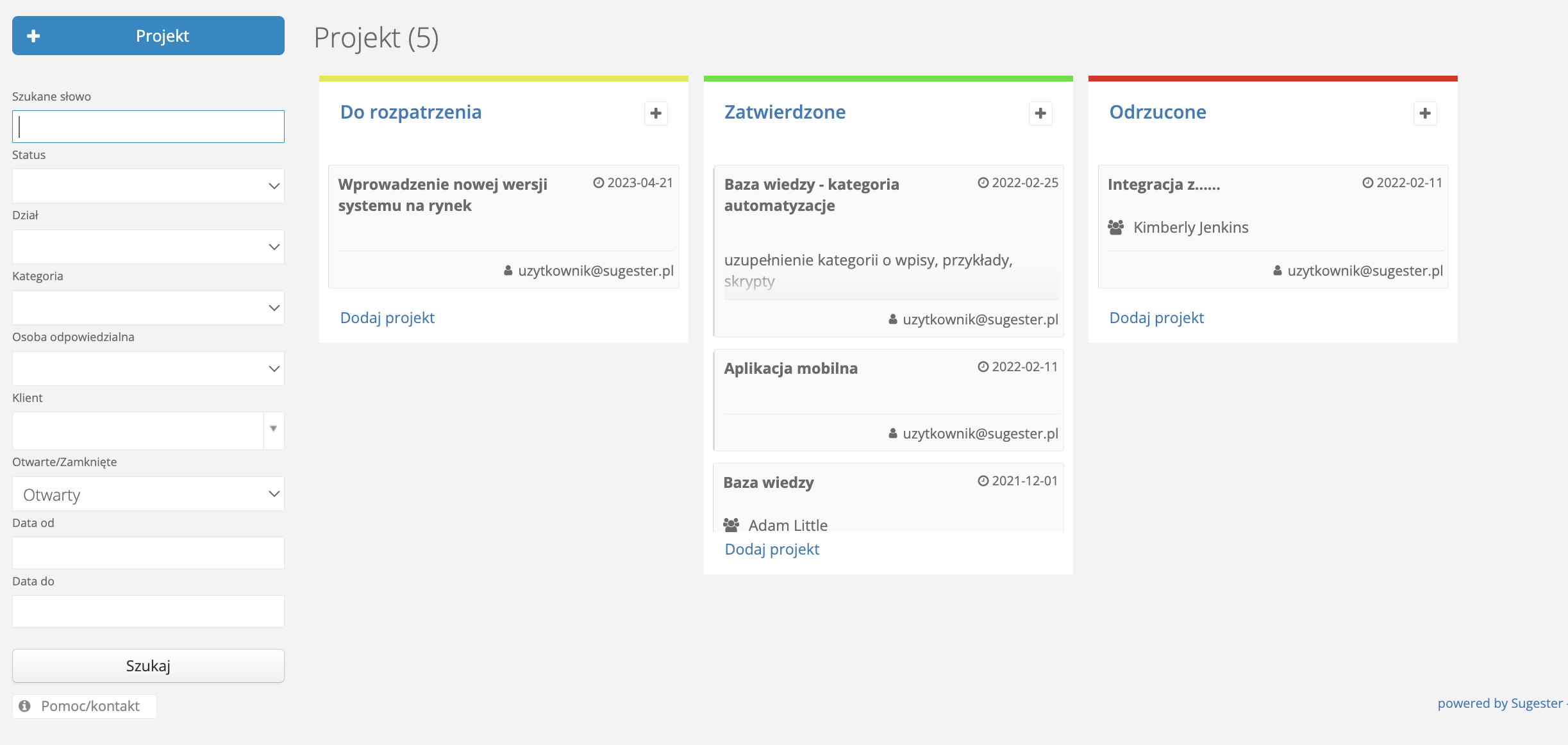
The project execution process at individual stages is also visualized by a percentage progress indicator found in each project. Based on the ratio of completed tasks to all tasks in the project, it shows what percentage of the project has been completed at any given moment.

In Projects, as in many other Sugester modules, detailed information about ongoing projects can be obtained by using search filters on the project list.
In addition, the searched data can be sorted in ascending, descending, or alphabetical order by clicking on the column headers. At any time, you can also customize the results table to your own needs. Simply use the additional Display options to choose which columns appear on the report list and in what order. Thanks to this feature, each user can customize the results table to their preferences.
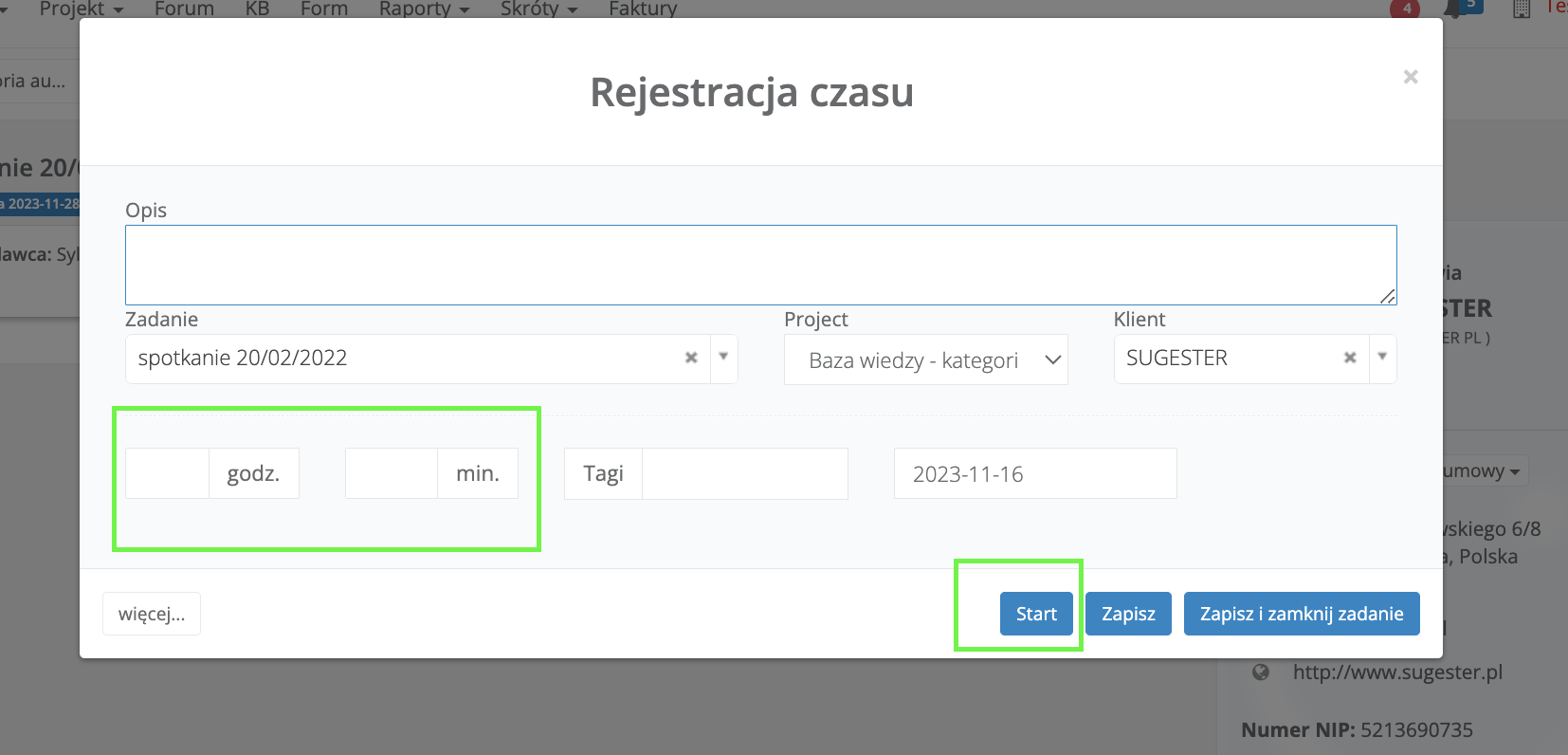
Regarding the ready-made reports available in Sugester, for projects the most important report is the timesheet, i.e., the working time report. Such a report can be generated for a specific user or an entire department, for a single client or project. It all depends on what you need.
The working time report in Sugester shows the number of hours worked broken down by user, project, client, and time period. Simply select the date range.
Teamwork and communication with the client
Team collaboration, as in the case of the Agile method, takes place through tasks in Sugester. Let us recall that each project team member can add their replies or comments within a task. This ensures that important ideas or notes for the project are recorded in the system, always at hand. Adding attachments and screenshots is also convenient.
Communication with the client
For communication with the client, traditional email is the best solution here. When handling mail in Sugester, every message you receive from a client is automatically saved in CRM on that client's card. Additionally, such an email can also be linked to a specific project. You can do this from the inbox by expanding the arrow next to the "project" label on the email list. This is a very convenient solution because when you go to the project view, all the necessary information about that project — including email correspondence — is in one place.

See also: Why redirect your email to Sugester?
As you can see, Sugester can be successfully used both in agile project management models and in the waterfall methodology. Sugester supports the waterfall model through clearly defining project stages, assigning tasks to specific phases, and monitoring progress within clear structures.
With Sugester, teams can track project progress, share information in real time, and effectively manage tasks at individual stages. Additionally, communication features — such as the mail module integrated with projects and communication through tasks — enable better coordination of activities between teams, which is key in a linear project model.