Small and mid-sized companies all share the same headache: CRM in one tool, projects in another, invoices in a third, email in a fourth. Every jump between apps is wasted time and another chance for something to slip through the cracks. Over the past few months we have expanded Sugester so that one tool is enough to handle sales, projects and customers.
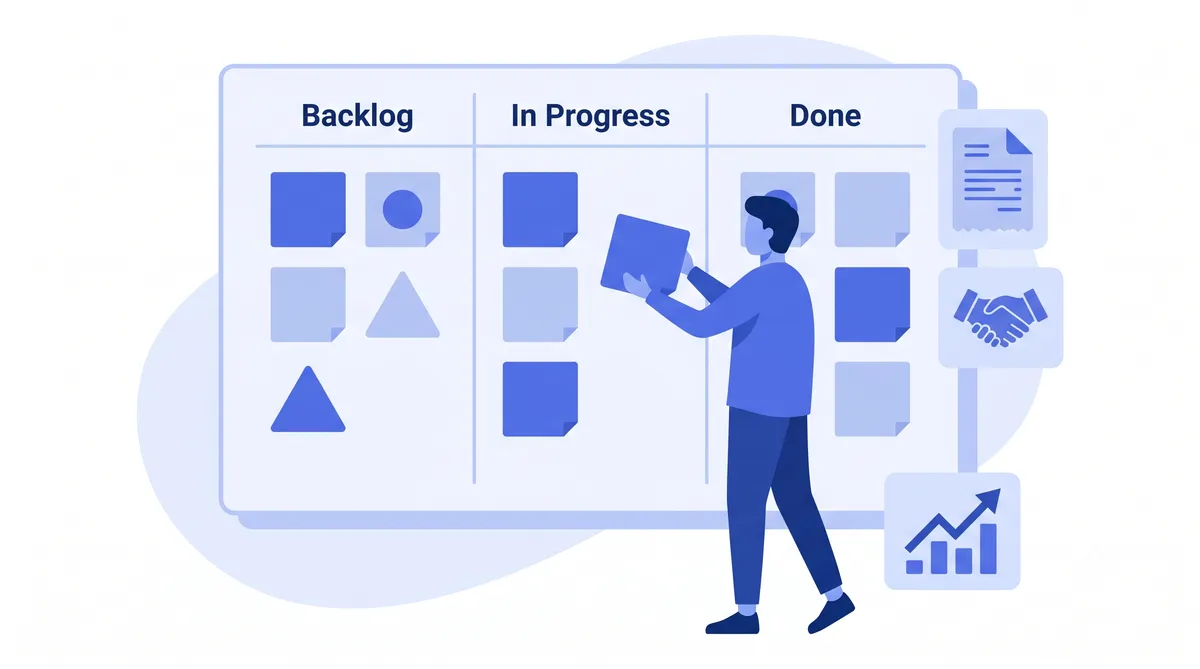
If you know Trello or Jira, you will feel right at home. Projects and tasks now have a Kanban view - a board with status columns where you drag task cards across the flow.
But Kanban is not just for projects. The CRM has a board view too - customers and deals show up on a sales pipeline. Drag a deal from "New lead" to "Negotiation" to "Closed" and you see, on a single screen, exactly what stage every opportunity is at.
If you use Fakturownia, this one is for you. On the customer card in the CRM you now see their Fakturownia invoices - broken down by type and totalled up. No more opening a second tab just to check whether a customer has paid.
You can also import customers from Fakturownia into the CRM with a single click - no manual re-typing of data.
When you add a customer, just enter the tax ID and the system automatically pulls the company details from the official business registry (name, address, legal form). Less typing, fewer mistakes. It also checks the tax ID for uniqueness - no more accidental duplicates in your customer database.
Customers reach out wherever it suits them - on Messenger, Instagram or by email. From now on, messages from Facebook and Instagram land in Sugester as tickets. You reply from a single panel, and the customer gets the answer right where they wrote from.
Tasks now have a calendar view - you see due dates on a timeline instead of in a table. And when you do not have time for a task right now, the "Snooze for later" option in the context menu lets you quickly push the date back without opening the form.
Recurring tasks (weekly, monthly, yearly, even every two years) now show more information - you see the repeat interval and the date of the next occurrence.
Every integration means less hopping between apps. Every Kanban view means a faster read on where things stand. And every automation is time your team can spend on what really matters - building relationships with customers.
Try it for free and see how much time you can save.