



6 CRM Features Indispensable in E-commerce [+tutorial on configuring Sugester for e-commerce]
Are you an e-store owner? Or are you planning to become one? Find out what features your CRM should have to optimize the most important e-commerce processes and sell more.
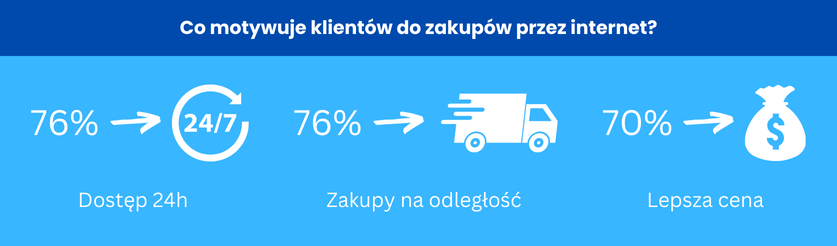
According to the E-commerce in Poland 2023 report by Gemius for e-Commerce Polska, as many as 79% of internet users shop online – and mostly at Polish stores (75%).

For a buyer to choose your store – and eventually become a loyal customer – you need to act on multiple fronts, in a thoughtful and fast way at every stage of the sales process.
This is where CRM steps in, enabling quick reactions, detailed analysis of customer behaviour, and effective marketing activities – taking care of both existing and potential customers.
6 CRM features indispensable in e-commerce
Below are the 6 most useful CRM features – in our opinion – that work well in the e-commerce industry.
1. Order and transaction history
It's good to know who pays you, when, and for what. In your CRM you can see data about every order placed by a customer, including purchase date, products, quantities, prices, and order status. This makes it easy to review each customer's purchase history and identify their preferences and buying habits.
You can also track all financial transactions in the CRM, including payment methods, due dates, and any returns – giving you full control over cash flow and allowing you to resolve payment issues more quickly.
2. Customer segmentation and targeting
By segmenting customers based on various criteria – such as purchase frequency, basket value, or product categories – you can tailor your offer, communication, and promotions to the specific needs of each segment. You can, for example, create personalised email campaigns, promotional offers, or product recommendations.
With a precisely defined target, you'll make better use of your marketing budget by directing resources to campaigns with the highest chance of success – significantly increasing the ROI of your marketing activities.
3. Integrations with e-commerce platforms
A good CRM is one you can easily integrate with popular e-commerce platforms such as Shopify, WooCommerce, and others. Order, product, and customer data is then automatically synchronised with the CRM system, giving you full control over business processes and better operational management.
4. Marketing and sales automation
This is one of the most important elements of modern e-commerce strategy. With tools like CRM you can automate repetitive tasks, personalise customer communication, and better manage marketing campaigns and sales processes.
By analysing how your customers behave and what their preferences are, you can segment your audience and deliver the right content at the right time – such as product recommendations or special offers.
The right CRM features will also help you automate the sales process itself – from automatically assigning leads to the right representatives, through tracking sales stages, to follow-ups.
See also: Effective follow-up – 13 tips on how to do it right [+3 email templates]
5. Customer service and ticketing system
Without good customer service, there is no good sales. Here's how CRM supports customer service in e-commerce:
Centralised customer data
In your CRM you have all customer data in one place. This makes it easy to review purchase history, preferences, reported issues, and previous interactions. Service is comprehensive, and the customer feels valued and well cared for.
Personalising interactions
With detailed customer information gathered in the CRM, you can take an individual approach to every customer and personalise communication – for example by addressing the customer by name or referring back to a conversation from six months ago. This approach builds trust and greater loyalty.
Fast problem resolution
If your CRM has a helpdesk module, you can track service requests and customer issues in real time. With the available features you can automatically assign tickets to the appropriate departments or employees, automatically set priorities, or keep the customer informed about the status of their requests.
Communication automation
With CRM you can automate many communication processes, such as sending order confirmations, ticket status updates, or payment reminders. Automation enables fast and consistent communication with customers, saving time for both customers and your staff.
Returns and complaints management
CRM also simplifies the management of the returns and complaints process by registering all requests and sorting them using automatic filters. Issues are resolved more quickly, and customers wait less time for a response. The system also makes it easier to monitor ongoing complaints, and once resolved you can notify the customer of the outcome by email or SMS.
Omnichannel
Modern CRM systems support an omnichannel approach by integrating various communication channels – such as email, chat, phone, and social media. Customers can contact you in whatever way they prefer, and all interactions are collected in one system, making them easier to manage and ensuring a consistent customer experience.
6. Lead generation
Without new leads there is no chance of increasing sales. CRM offers a range of additional features to keep your list of potential customers growing:
Newsletter sign-up forms
This is one of the simplest and most commonly used methods. Place a form on your homepage, in the page footer, or on the product page, and give users the opportunity to subscribe to your newsletter. You can encourage them to leave their email by offering discounts, free delivery, ebooks, or other valuable content.
Live chat
A live chat on your website can not only improve customer service, but also serve as a lead generation tool. This way you can collect contact details from users interested in your product, even outside your store's opening hours. If your chat is integrated with CRM, you'll receive a notification for every query left in the chat.
User behaviour analysis
Tracking user behaviour on your site – such as products added to the cart, browsed categories, or abandoned carts – can help identify potential leads. This information can be used to send personalised emails or offers encouraging purchase completion.
Callback widget
By adding a callback widget to your site, you have the opportunity to capture a phone number from a potential customer who is interested in your product or service. If a user leaves their phone number, you'll be able to call them back at a time convenient for them. There's no simpler way to acquire a new contact.
Sugester for e-commerce
Now that you know how important it is to have a proven CRM system for running an online store and handling customer service, let's look at the key features of Sugester that help support store owners, build relationships, run marketing activities, and manage after-sales service – all in one application.
Sugester for lead generation and sales
-
Lead generation – email, chat, form, VoIP ->
In Sugester your customers can contact you via email, chat, form, or phone. Add a form to your website, enable chat, and activate the callback widget to win more potential customers.
-
Mass mailing ->
In Sugester you get everything you need to run an effective mailing campaign – customer segmentation, creating recipient lists, automatic email and SMS campaign dispatch, and the ability to track campaign results and error reports.
-
Detailed customer data ->
In our system you can quickly create customer profiles and link data about orders, payments (via InvoiceOcean integration) and support tickets.
-
Integration with store platforms ->
Sugester has an extensive API that lets you integrate CRM with any other system. You can pass information to Sugester about purchases made in your store, transaction statuses, and payments.
-
Sales monitoring ->
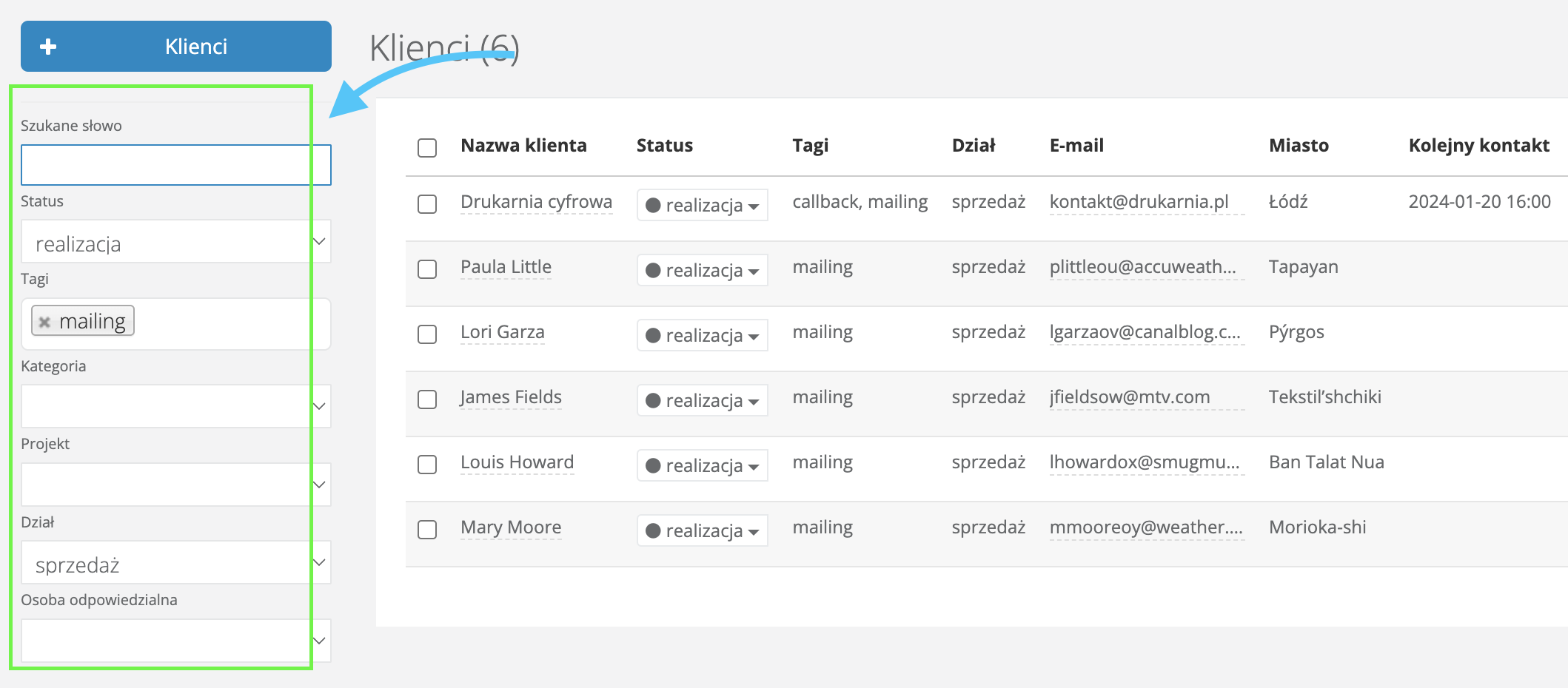
Using advanced search in customers and deals and data sorting options on lists, you can quickly find data about recent sales, values, sales statuses, and cancellations. You can also generate sales funnels and custom HTML reports for sales analysis.
See also: Advanced search: how to effectively manage information in your company
-
Tracking visitors to your store ->
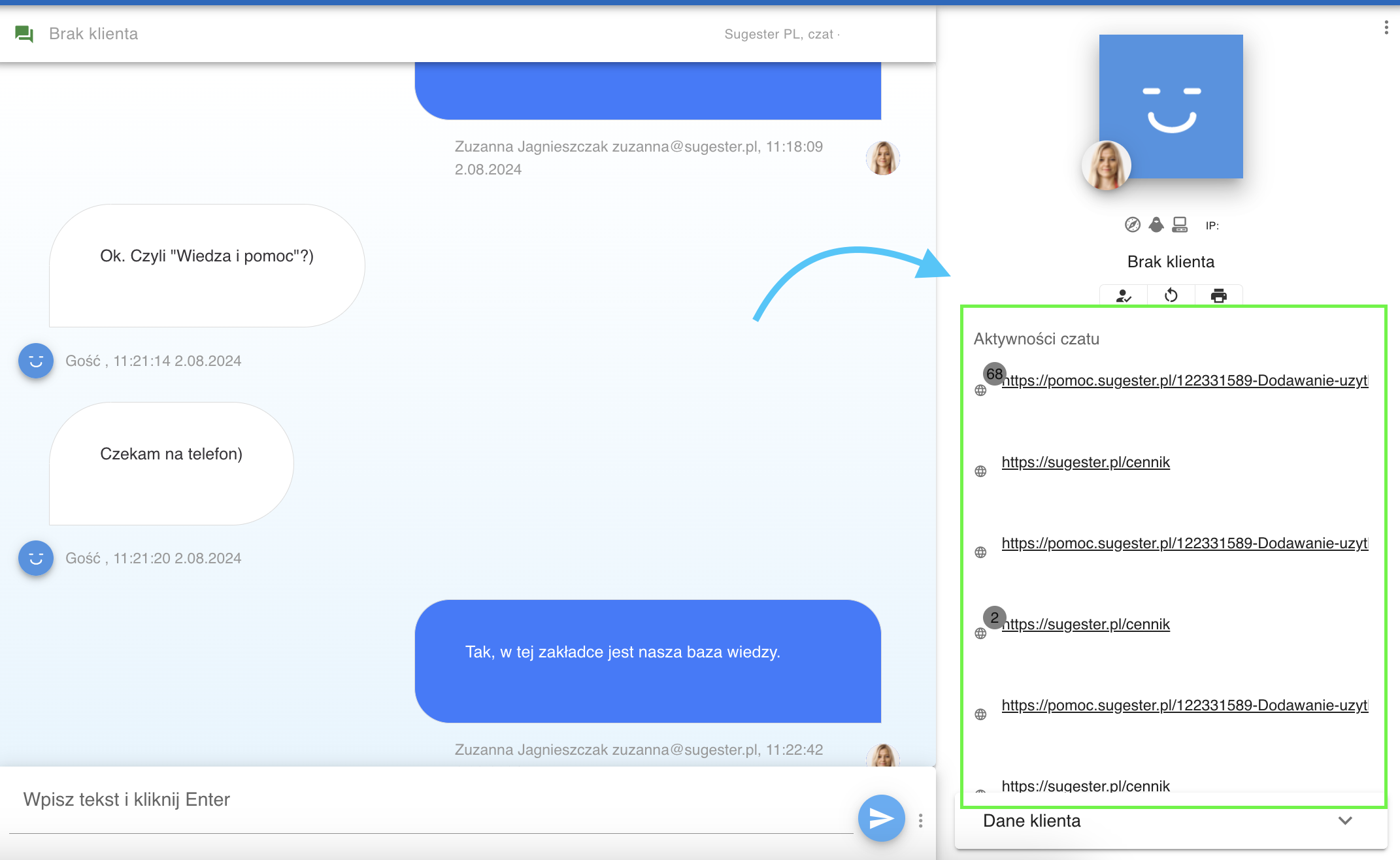
Thanks to Sugester's advanced chat features, you can find out which paths your customers take, which pages they visited, and what interested them. The insights from such analysis allow you to maximally tailor your offer and mailing content to the needs of each individual user.
-
Customer segmentation ->
Using customer tags and categories you can group customers. This lets you check what profits a given customer generates for your business and how frequently they make purchases. You can then reward your most loyal buyers with an additional discount or a special service package.
See also: Customer segmentation – who is your ideal customer?
Sugester for after-sales service
-
Technical support and customer service ->
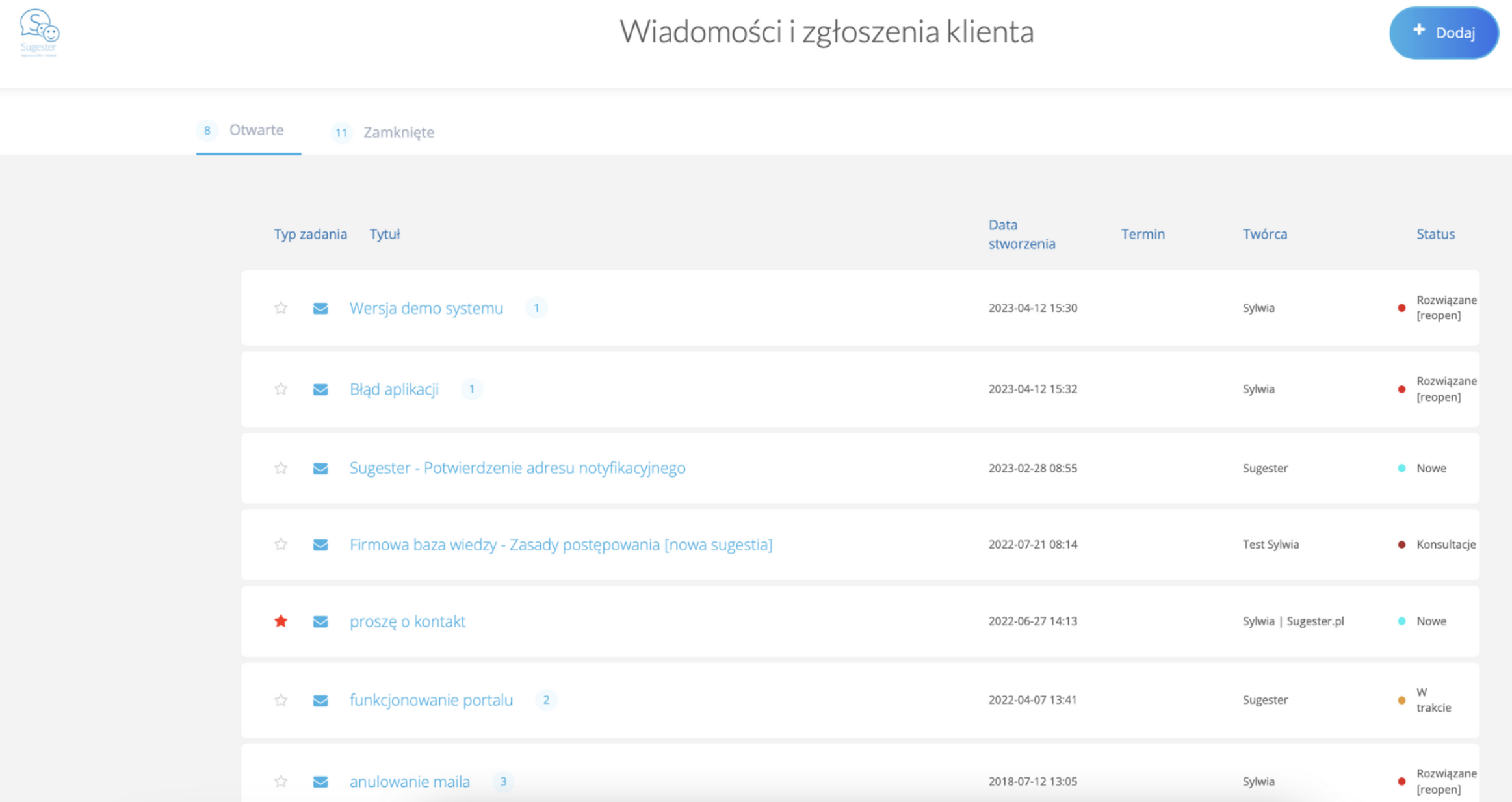
In Sugester you have an extensive helpdesk module that enables effective management of customer enquiries and tickets. With features such as a ticketing system, live chat, email integration, and VoIP, you can respond to questions and resolve customer issues quickly and efficiently.
See also: Customer portal in Sugester – a simple ticketing system for businesses
-
Process automation ->
To speed up and streamline the processing of customer tickets, you have access to email templates, chat response templates, automatic filters to sort customer correspondence, and macros that let you set up automatic email or SMS dispatch when a condition is met in the system – for example, when a customer status changes.
-
Multiple contact channels ->
Because all modules in Sugester are integrated with the CRM, you offer your customers multiple ways to contact you – email, chat, phone, and contact form.
-
Returns and complaints handling ->
In Sugester you can easily build an entire complaints process. Forms let you create any complaints form from scratch and add it to your website; email integration ensures a smooth flow of customer tickets and initial sorting via filters; and email templates, autoresponder, and email statuses enable quick replies to customers.
-
Satisfaction surveys ->
Sugester is not just about handling tickets – it's also about gathering feedback on your customer service and products. You can, for example, add a brief communication rating to each correspondence, or – if you want feedback on your product – send a customer an NPS survey created in Sugester, where they can rate how much they like your product and how likely they are to recommend it.
Understanding the importance of CRM for e-commerce businesses is key if you want to stand out from the competition, build strong customer relationships, drive sales, and increase customer loyalty.
Article updated. First published in May 2018.